 HealthMule
Apple Health to Google Drive.
Daily JSON exports of the metrics you choose.
Read-only HealthKit access, with no developer backend.
For iPhone and Apple Watch. App Store release in preparation.
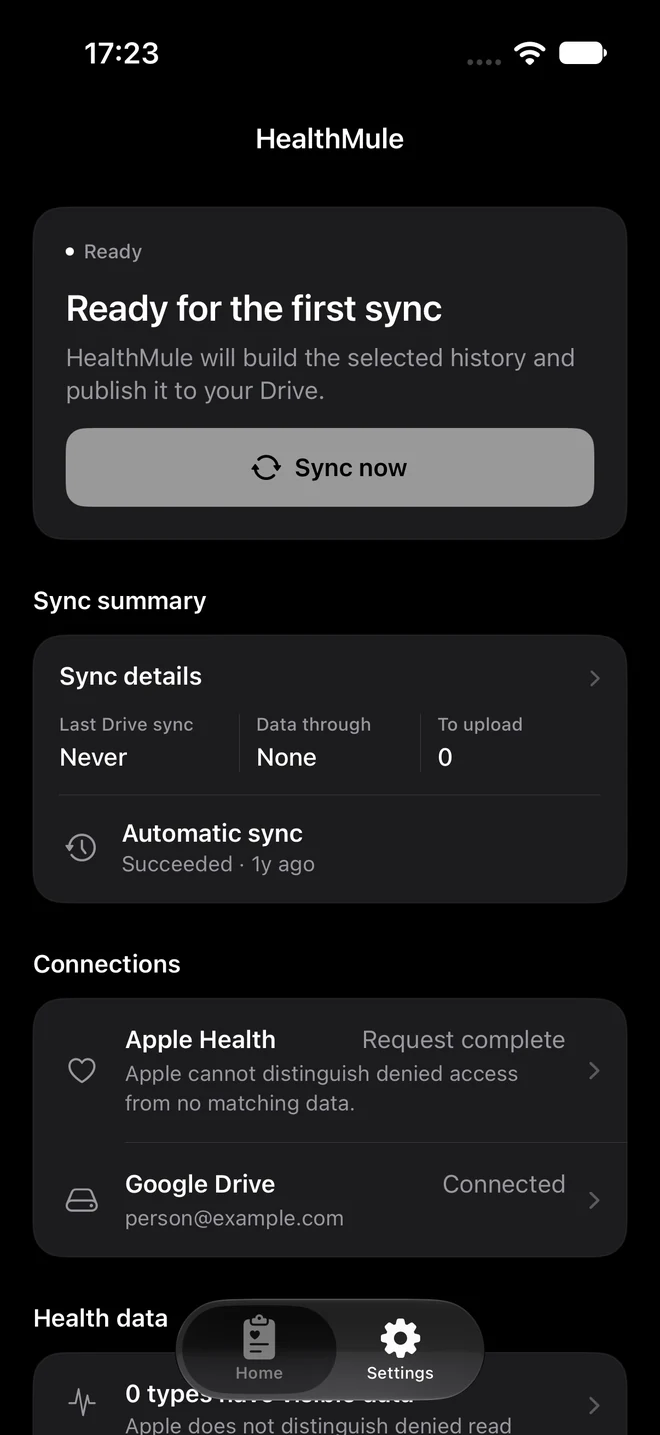
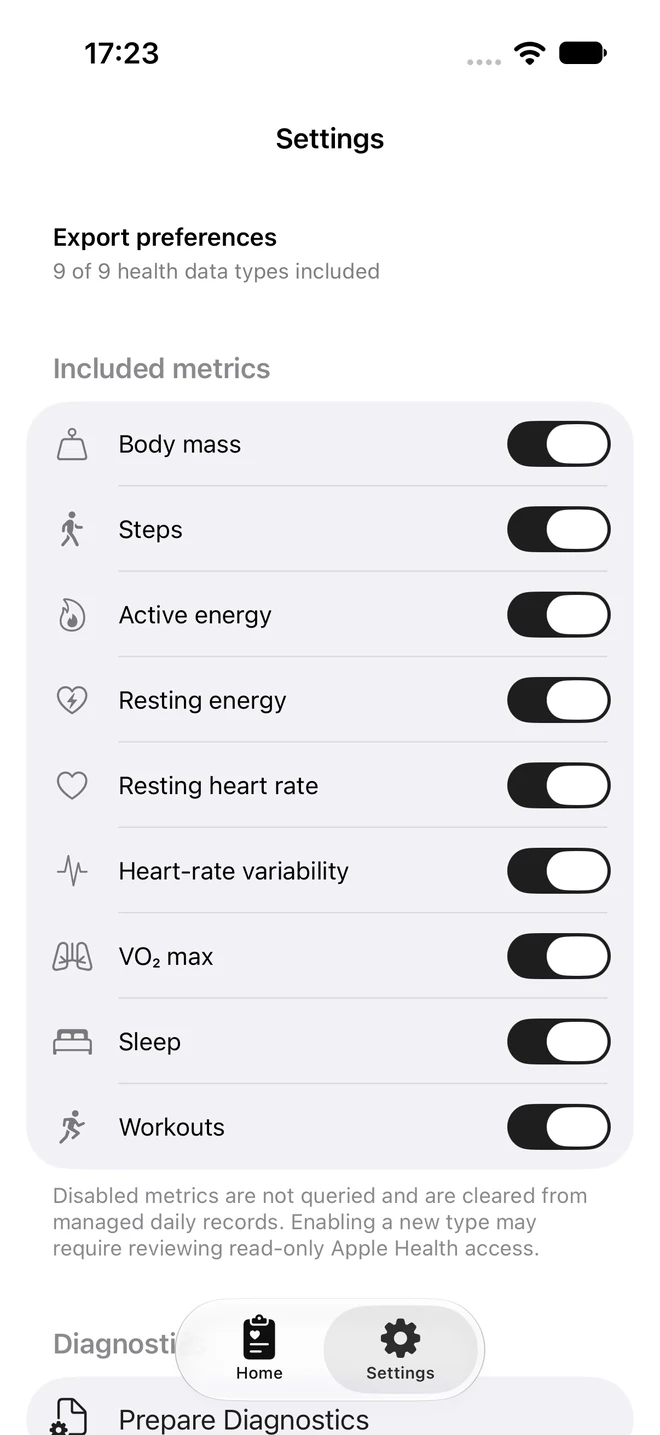
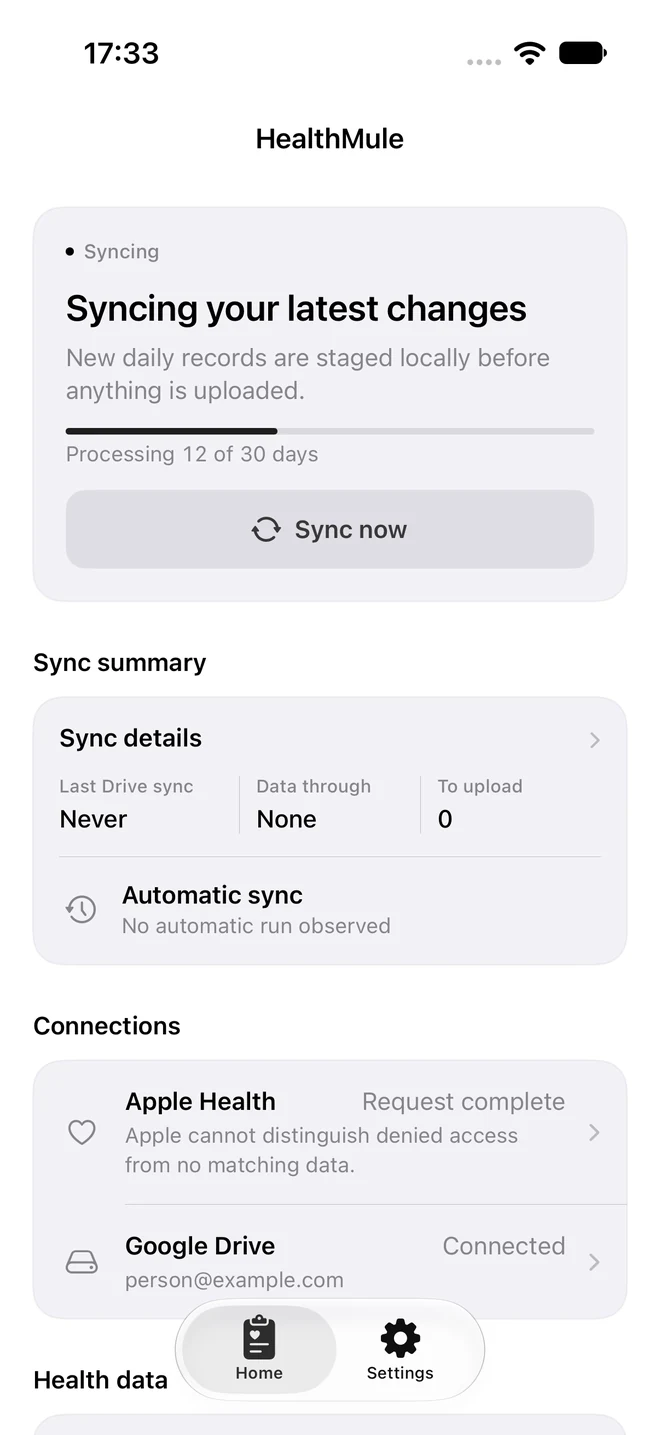
Simulator previews with sample states, not live Drive uploads.
Read-only HealthKit.
Select from nine supported health types. HealthMule never writes to your Apple Health records.
Your Drive, your copy.
Daily JSON and a manifest in Apple Health Sync/. Access is limited to files created by or shared with the app.
No ads. No analytics.
Your iPhone sends exports directly to Google Drive. Disconnecting leaves your existing files in place.
The Watch shows sync status. iOS controls background timing; open the iPhone app to start a sync.